Case Study · Smox
Screenshot tools that phone home. Smox never leaves the browser.
Local-only Chrome extension: capture, annotate, blur — zero bytes to external servers. Under 500ms to annotation-ready. Free, no account required.
Status: Published on Chrome Web Store. Free, no account required.
Last updated:
Problem
The challenge
Every dominant screenshot tool routes captured content through external servers — unacceptable for developers and designers working with client data or pre-release software. Most are also too slow.
Outcome
What we built
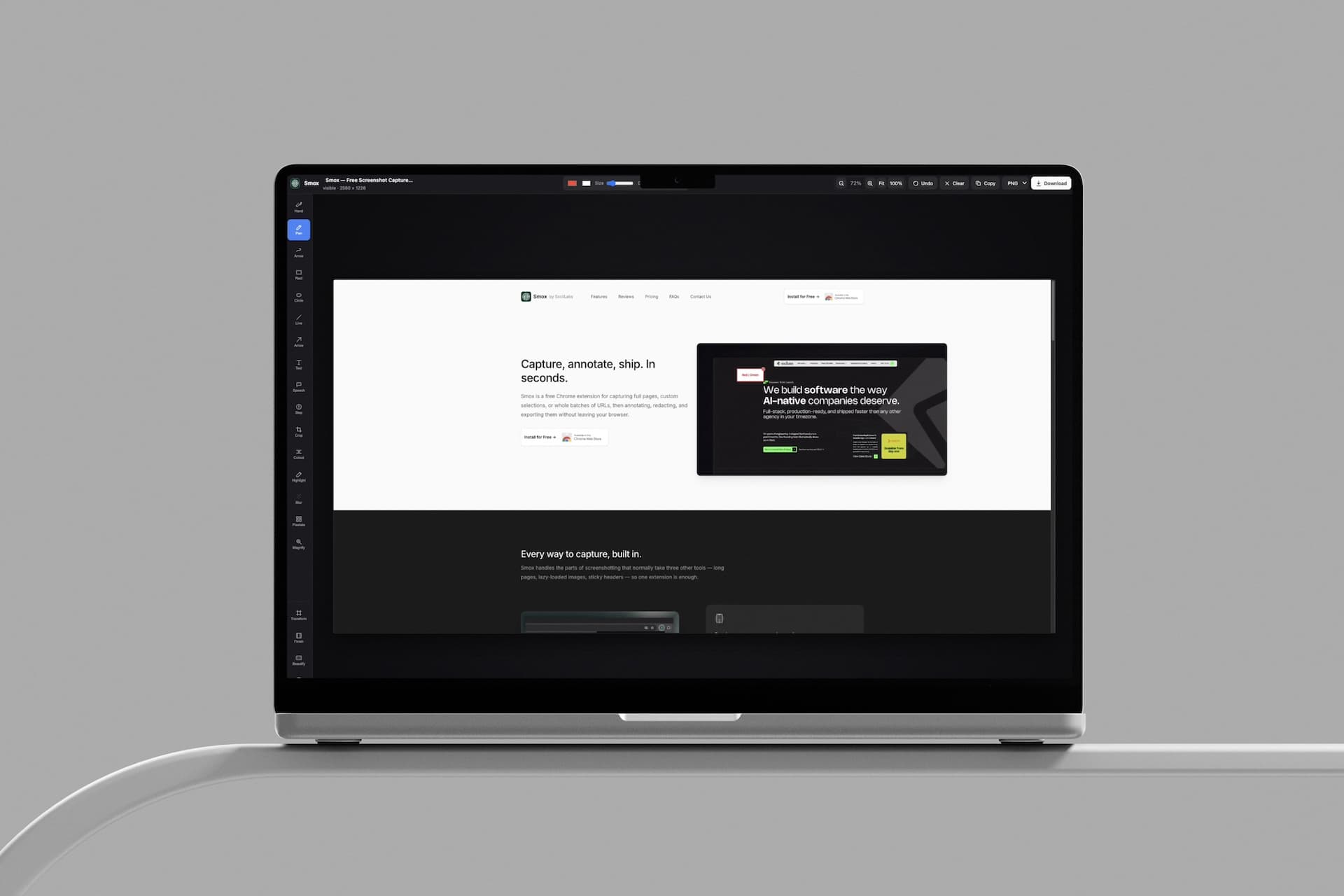
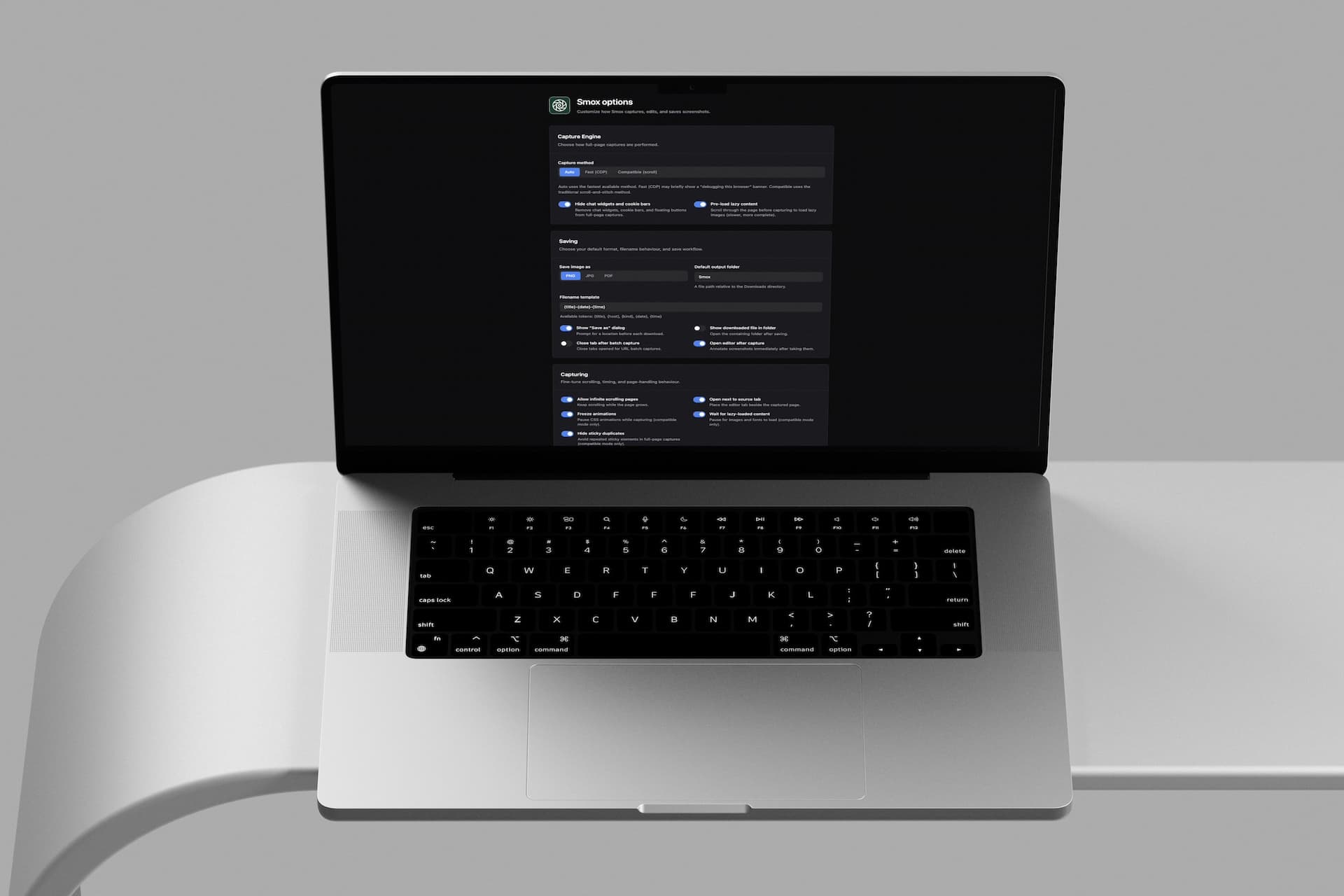
Smox is a Chrome extension built on two constraints: everything stays local, and it gets out of the way. Capture happens in the browser, stays in the browser, and goes directly wherever the user sends it — no server, no account, no upload step.
- →Local-only Chrome extension (no server)
- →Full-page + visible-area capture modes
- →Annotations + blur/redaction tool
- →Published on Chrome Web Store
Tech stack
Full stack used on this build
Screenshots
Product in context
“Game changer, bulk capture tabs without leaving the browser, editing them and exporting however I want.... noice!!”
— Syed Majid Hassan, Chrome Web Store
“I don't usually write reviews, but this extension totally deserves one! It's been a lifesaver for taking full-page screenshots of websites for my design work. Super easy to use, super helpful, and it just works. Highly recommend!”
— Ussama, Chrome Web Store
Talk to an engineer
30 minutes. You'll leave with a rough scope and a real timeline — whether or not you work with us.